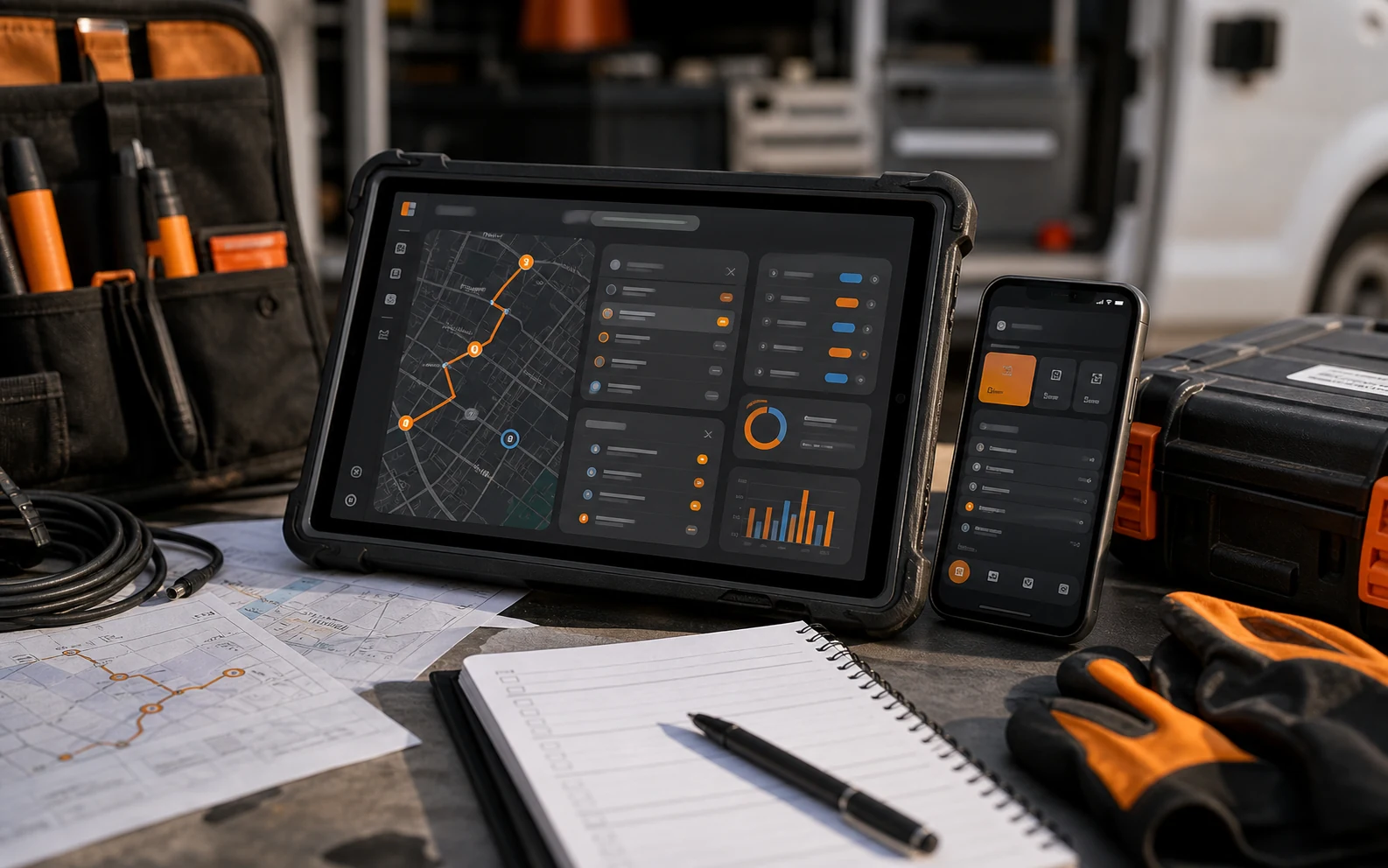
Mobile app development becomes much more serious when the user is not sitting comfortably at a desk. Service teams and field operations work in motion. They deal with time pressure, imperfect connectivity, client questions, checklists, photos, signatures, inventory, notes, and the small interruptions that make elegant desktop assumptions fall apart.
That is why a mobile app for field work should not begin as a smaller website. It should begin as a study of context.
Context changes the product
A field technician, inspector, sales rep, installer, or service coordinator needs the app to respect the environment where work happens. Bright light, one-handed use, gloves, weak signal, noisy locations, and a client waiting nearby are all product requirements.
Practical nugget: If the user has to stop doing the job in order to use the app, the app is not supporting the job yet.
This is where UX/UI design and mobile development have to stay close. Interface decisions are operational decisions. A required field, a hidden status, or an unclear button can create real delays outside the office.
Do not skip the operational map
Before deciding between native, hybrid, or responsive approaches, map the service journey. What happens before the visit? What does the team need during the work? What proof is captured? What needs approval? What happens after completion?
A strong mobile strategy names the records, roles, status states, exceptions, and sync requirements. It also decides what the user should be able to do when the connection drops. Offline behavior is not a technical footnote for field operations; it may be the difference between trust and frustration.
The W3C accessibility guidelines are useful here because mobile field tools need clarity, contrast, target size, and predictable interaction. Accessibility is not only compliance. It is practical usability under pressure.
The app should reduce reporting, not create more of it
Many teams accidentally build mobile tools that make workers feel like they are feeding a system instead of finishing work. The app asks for too much, asks in the wrong order, or captures information nobody uses.
A better mobile product captures the minimum reliable proof needed to move the workflow forward: photos, notes, location context when appropriate, checklist completion, client signoff, issue flags, and next actions.
For professionals, this is where product discipline matters. Every field in the app should have a reason to exist. Every required input should support a decision, record, billing step, quality control process, or customer communication.
Adoption is designed before launch
Mobile tools live or die through adoption. A polished interface is not enough if the team does not understand why the tool exists or how it changes the work. Rollout should include training, feedback loops, and a clear plan for improving the product after real use.
Google’s people-first content guidance is about content, but the principle applies: build for actual usefulness, not just for what looks complete on a checklist.
Related internal reading: UX/UI Design Systems That Make Complex Products Easier to Use and Web App Development for Enterprise Workflows.
How Absolutmedia approaches it
We treat mobile app development as an operational design challenge. We map the service flow, clarify what the user needs in the field, define the data model, and design the interface around the moments where speed and clarity matter most.
Next step
If your field team is still relying on calls, photos, texts, forms, and manual follow-up, start by documenting one complete service journey. Then use the Absolutmedia process to turn that journey into a mobile product plan.